Cómo ver Canal Meteo

El primer canal del tiempo 24/7 en español para estar siempre informado en tu idioma.
Descarga la app en tu tienda favorita

tvOS · Apple TV

Instalación en Apple TV (tvOS)

  1. Usando el mando del Apple TV, abre App Store.
  2. Toca el ícono de la lupa.
  3. Busca “Canal Meteo”.
  4. Selecciona OBTENER.
  5. Una vez descargada, pulsa Abrir.
  6. ¡Empieza a disfrutar!
Android TV

Instalación en Android TV

  1. Selecciona Aplicaciones.
  2. Abre Google Play Store.
  3. Toca el ícono de la lupa.
  4. Escribe “Canal Meteo”.
  5. Selecciona “Canal Meteo”.
  6. Haz clic en Instalar.
  7. Pulsa Abrir y comienza a ver la transmisión en vivo.
Streaming

Disfruta Canal Meteo TV en vivo y contenidos a la carta.

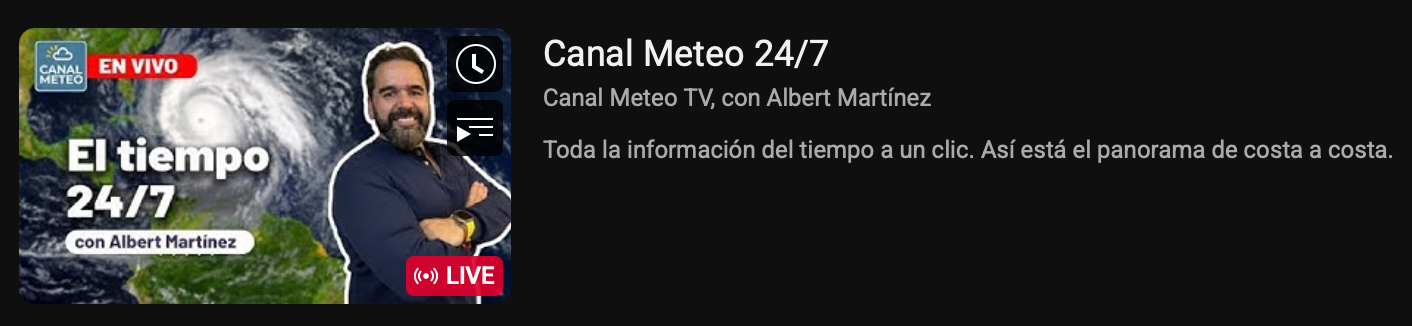
Streaming en YouTube - Canal Meteo

YouTube (Canal en vivo & clips)

Suscríbete y mira el canal en youtube.com/@canalmeteotv.

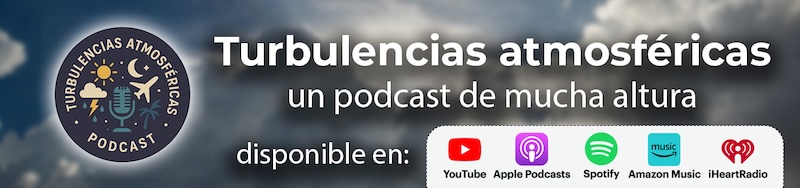
Podcast Turbulencias Atmosféricas

Podcast: Turbulencias Atmosféricas

Escúchalo en YouTube (playlist) o en Buzzsprout.

Ya disponible nuestra app

Instalación en ROKU

  1. Enciende tu Roku y entra al Roku Home.
  2. Ve a la sección Search (Buscar).
  3. Escribe “Canal Meteo” en el buscador.
  4. Selecciona la app y haz clic en Agregar canal.
  5. Una vez instalada, ábrela desde tu lista de canales.
  6. ¡Empieza a disfrutar!

Apple, App Store, Android y Google Play son marcas de sus respectivos propietarios. Imágenes usadas como referencia del contenido disponible.

¿Quieres anunciarte con nosotros? Mándanos un correo a hola@canalmeteo.tv o rellena nuestro formulario .

How to watch Canal Meteo

The first 24/7 Spanish-language weather channel so you’re always informed in your language.

Download the app from your favorite store

tvOS · Apple TV

Install on Apple TV (tvOS)

  1. Using your Apple TV remote, open the App Store.
  2. Select the Search icon.
  3. Type “Canal Meteo”.
  4. Select GET.
  5. Once it’s installed, press Open.
  6. Enjoy the live channel!
Android TV

Install on Android TV

  1. Go to Apps on your Android TV.
  2. Open the Google Play Store.
  3. Select the Search icon.
  4. Type “Canal Meteo”.
  5. Select the “Canal Meteo” app.
  6. Click Install.
  7. Press Open and start watching the live stream.
Streaming

Watch Canal Meteo TV live and access on-demand content.

YouTube streaming - Canal Meteo

YouTube (Live channel & clips)

Subscribe and watch the channel at youtube.com/@canalmeteotv.

Turbulencias Atmosféricas Podcast

Podcast: Turbulencias Atmosféricas

Listen on YouTube (playlist) or Buzzsprout.

Our app is now available

Install on ROKU

  1. Turn on your Roku and go to the Roku Home screen.
  2. Go to the Search section.
  3. Type “Canal Meteo” in the search bar.
  4. Select the app and click Add channel.
  5. Once installed, open it from your channels list.
  6. Start enjoying Canal Meteo!

Apple, App Store, Android and Google Play are trademarks of their respective owners. Images shown as reference of the available content.

Want to advertise with us? Send us an email at hola@canalmeteo.tv or fill out our partnership form .